Joomla system plugin
Every image deserves a closer look.
Chaos Loupe turns any image into a full lightbox — zoom, pan, galleries, watermark and all.
Add one attribute to an <img> and it becomes enlargeable: pinch-zoom and pan, fullscreen, grouped prev/next galleries with a thumbnail filmstrip, a site-wide or per-image watermark, smart clean-or-watermarked downloads, a print button, and a copy-link (or native share sheet) button. No external libraries, no build step.
See it live
Ready, set, click.
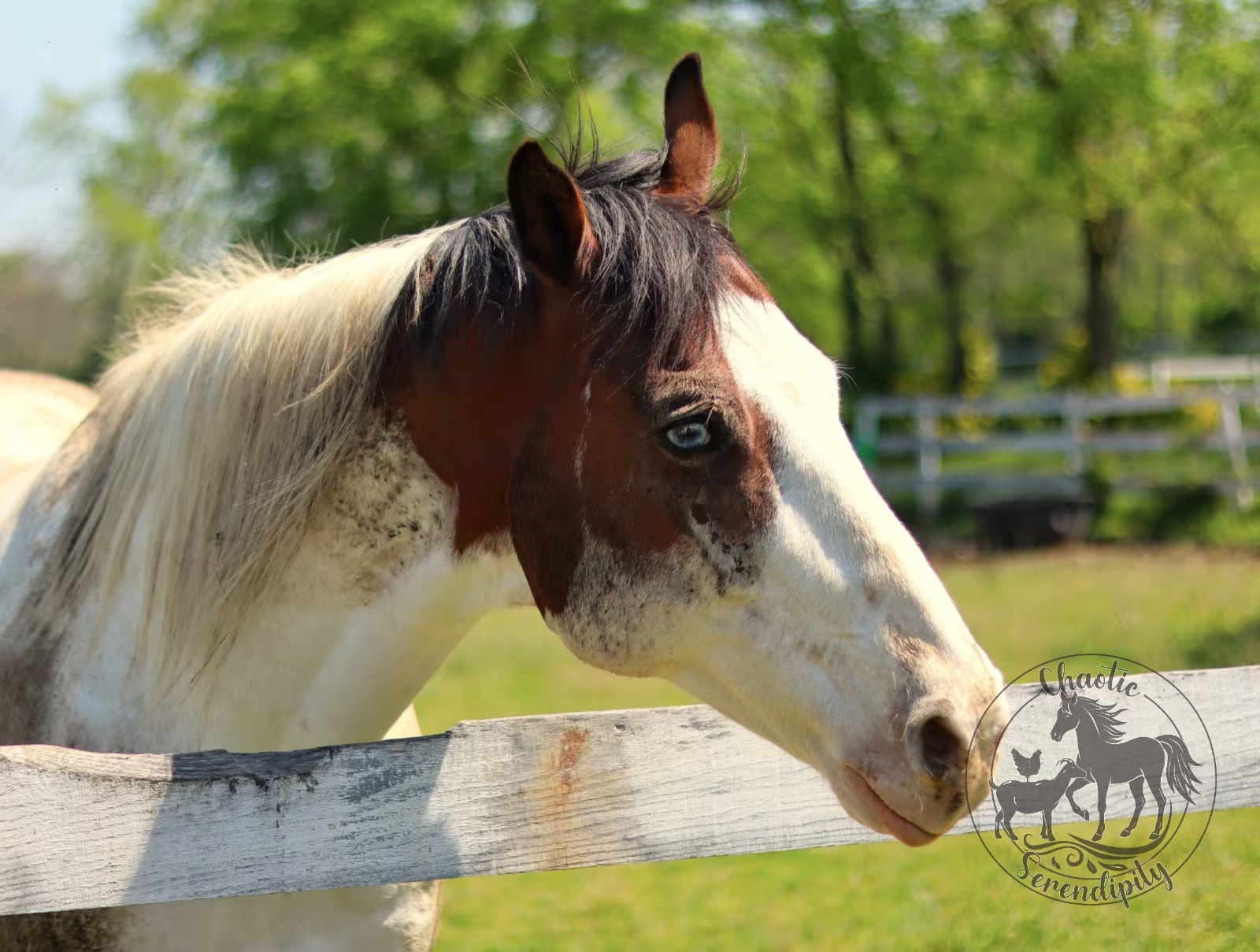
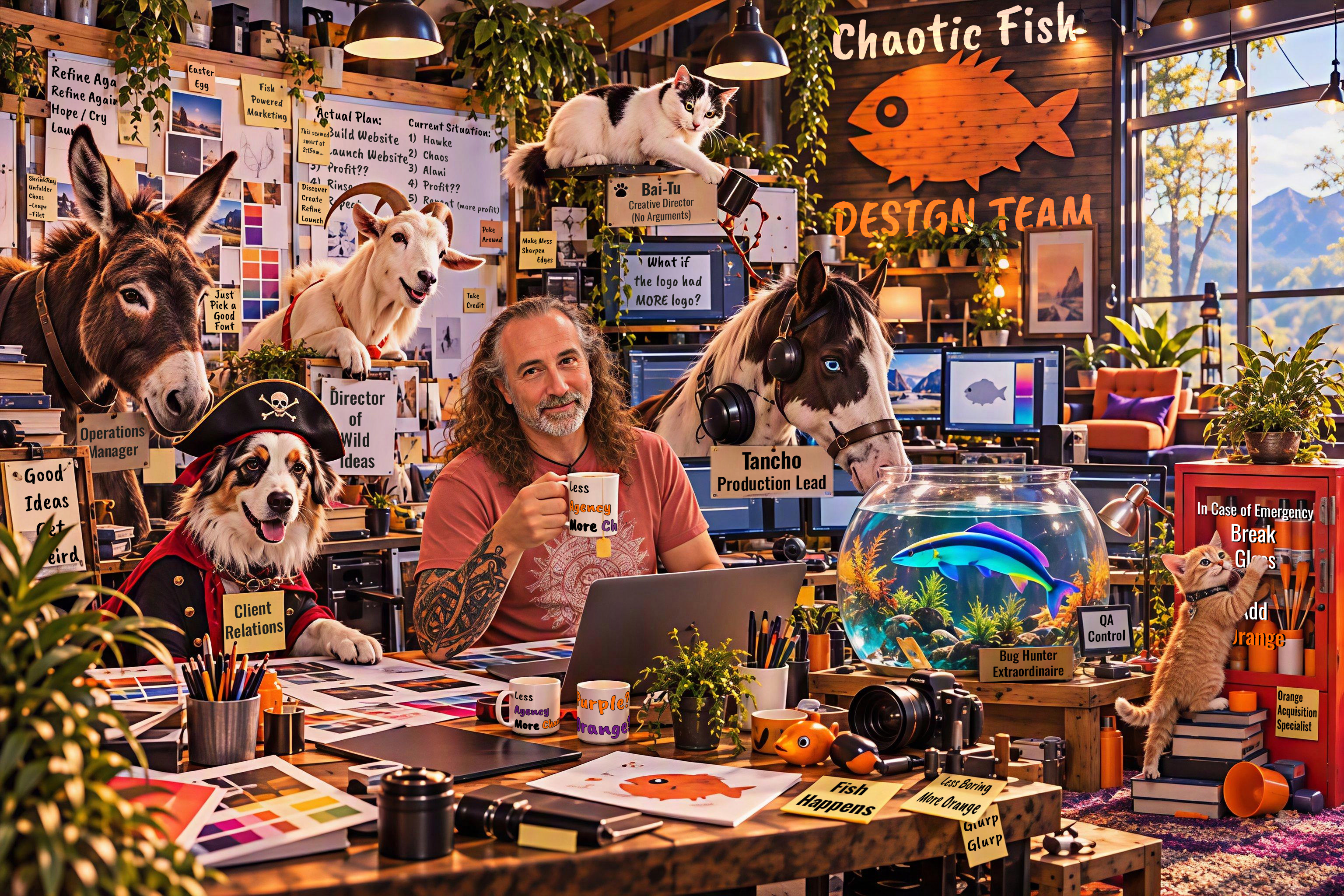
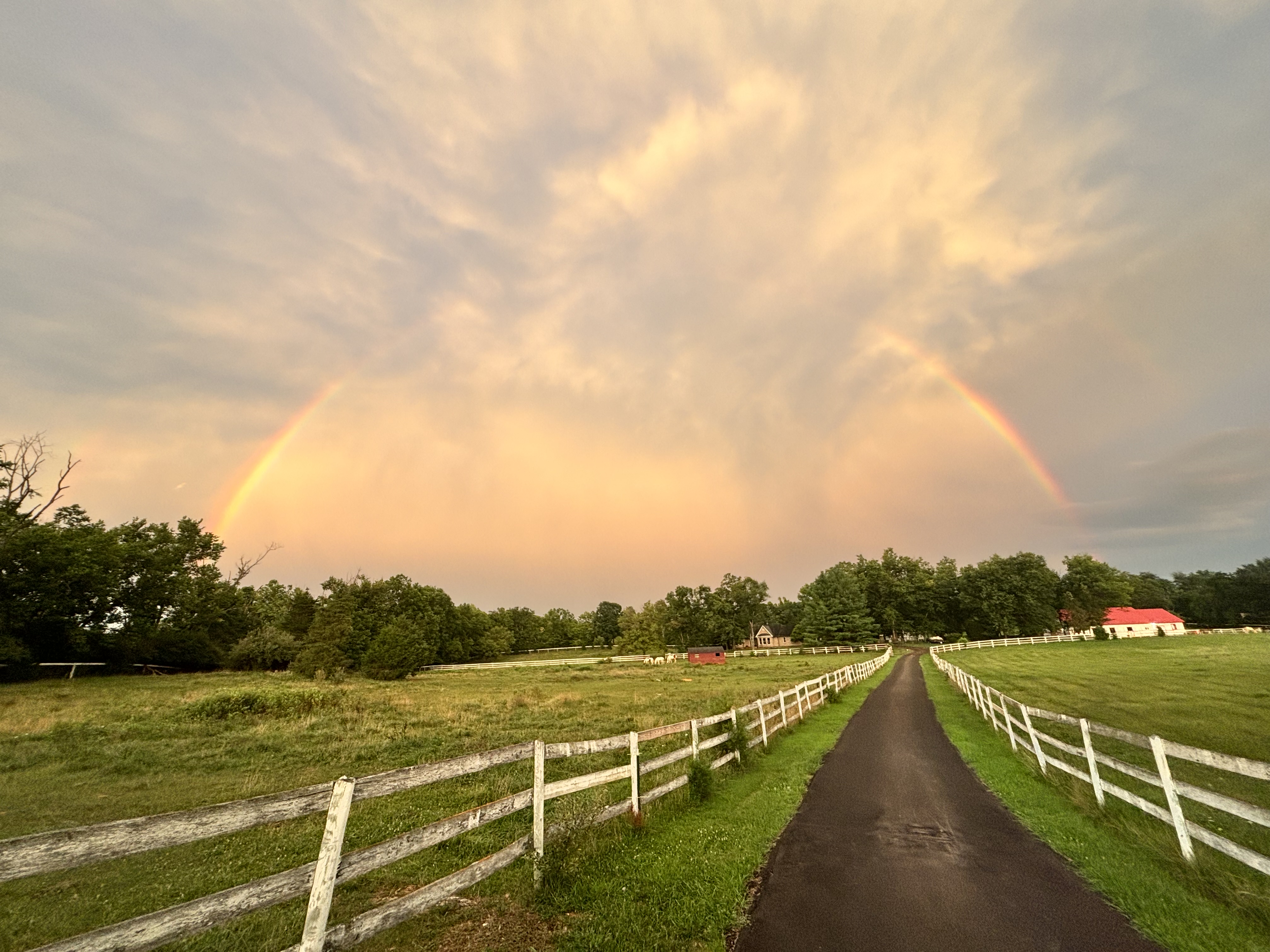
Not a screenshot — this is the actual plugin, running on this actual page. Click anything below: zoom, pan, flip through the group with the arrow keys, download it. Three of these six carry their own watermark credit instead of the site default, because per-image overrides are a feature, not just a line in the spec sheet above.



Why it exists
Thumbnails hide the good part.
A 300px thumbnail in an article or gallery can't show brush strokes, exposure detail, or the fine print on a scanned document. The usual fix is either no zoom at all, or a lightbox plugin that drags in a framework, breaks on mobile, or can't be configured without touching code.
Chaos Loupe is a system plugin, not a module: enable it once, add one attribute to your images, and every enlarged view gets zoom, pan, galleries and watermarking — all configured from the plugin's own params, nothing to maintain per page.
What's in the box
Everything a lightbox should have.
Zoom & pan
Get right up close
Scroll, pinch, or button zoom up to a configurable max, with drag-to-pan once you're zoomed in.
Galleries
Built-in prev/next
Tag images with the same group attribute to get navigation, a thumbnail filmstrip, keyboard arrows, and slideshow play/pause for free.
Watermark
Site-wide, or per image
Set a text or logo watermark once for the whole site — or override it on a single image with its own text or logo.
Downloads
Smart format, every time
A watermarked (or WebP/AVIF) download is saved as JPEG when opaque or PNG when it has transparency — several times smaller, logos stay crisp.
Share & print
One tap, not three apps
A copy-link button that opens the native OS share sheet on mobile, plus a dedicated print button for a clean, distraction-free view.
Image info
EXIF, no extension needed
An info button surfaces available image metadata right in the viewer, with no extra markup.
SVG
Vectors just work
SVG images enlarge like any other format, with safe fallbacks for watermarking and print.
Everywhere
Fullscreen, keyboard, calm
True fullscreen, full keyboard support, and a blurred backdrop that keeps the focus on the image.
Where it earns its keep
Anywhere a thumbnail undersells the image.
Portfolios
Let the work actually be seen at full size.
Product galleries
Zoom on detail without a separate product-zoom plugin.
Documents & scans
Read the fine print without squinting at a thumbnail.
Press & media kits
Watermarked previews on screen, clean downloads when you want them.
For the technical crowd
Under the hood.
- Works with
- Joomla 6.x, any template. No backward-compatibility plugins needed.
- Dependencies
- None. Vanilla JS and CSS, no build step, no external requests.
- Markup
- One attribute on an
<img>(data-enlarge="true"); everything else — groups, captions, watermark overrides — is optional. - Downloads
- A watermarked or WebP/AVIF source is re-encoded as JPEG, or PNG if it has transparency. A clean JPG/PNG/GIF download is still the original file, untouched.
- SVG
- Works as a regular enlargeable image, with safe fallbacks for the watermark and print features.
- License
- GNU General Public License v2 or later.
Pairs well with
Two companions. Neither one required.
Editor button
Chaos Loupe — Insert Image
Adds a button below the article editor that builds the data-enlarge* markup through a form — image, caption, gallery group, watermark override — instead of hand-typing attributes. Includes a Browse picker for images already on your site. A separate, optional plugin; install it only if you want the editor convenience.
Image pipeline
ShrinkRay
Generates resized WebP copies of your images server-side, on upload or in a batch. Chaos Loupe's smart-download feature already knows to re-encode a ShrinkRay WebP source as a shareable JPEG or PNG on the way out — the two are built to work together.
Ready for a closer look?
Want Chaos Loupe on your site? Take it, or let's talk.

Chaos Loupe
Changelog.
1.4.2
StableSmarter downloads, no change to markup or settings.
- A watermarked download — or any download whose source is WebP or AVIF — is now drawn on a canvas and saved as JPEG when the image is opaque, or PNG when it has transparent pixels, instead of always PNG. Several times smaller for a typical photo; logos and cut-outs keep their transparency.
- A clean download of a JPG/PNG/GIF source is unaffected — still the original file, byte for byte.
Earlier releases
1.1.2 → 1.4.1Rolled up — see note above
- Per-image watermark override: a specific image can carry its own text or logo watermark, independent of the site-wide Watermark tab.
- Native share sheet: the copy-link button opens the OS share sheet on devices that support it, falling back to copying the link.
- Print button: opens a distraction-free popup of just the image and triggers the browser's print dialog.
- Structured data: optional Schema.org
ImageObjectoutput for enlarged images, off by default. - SVG support: vector images work as regular enlargeable content, with safe fallbacks for watermark and print.
- Editor-button browsing: the companion editor-button plugin can list images under
images/through a small JSON endpoint, instead of only typing a path by hand.

